

Cross-Platform Casual Gaming: Play Anywhere, Anytime
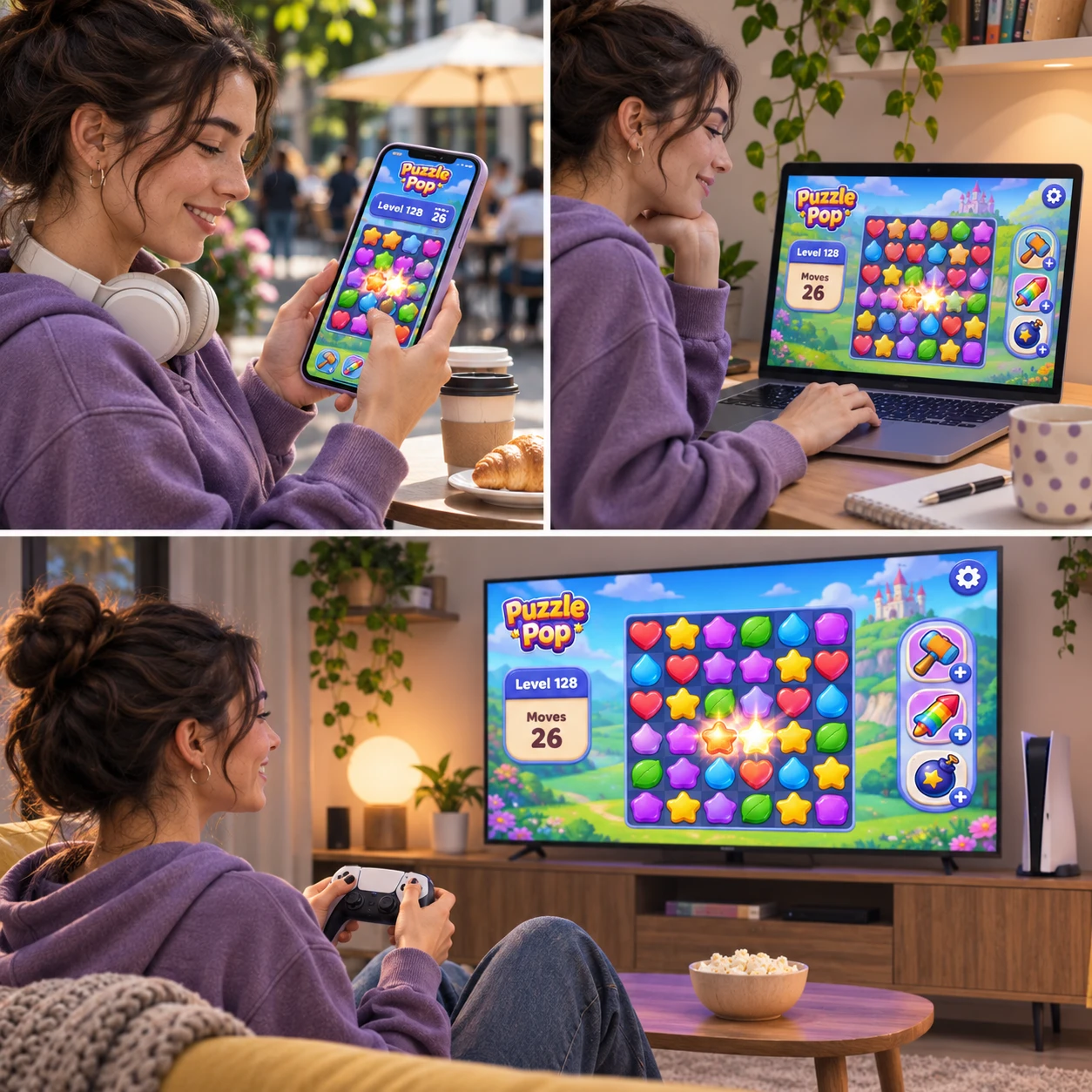
Casual games are made for approachable, flexible play: a quick puzzle while waiting, a relaxing round at home, or a longer session when time allows. Cross-platform casual gaming can make those moments easier to fit into daily life by letting a game run on more than one kind of device.
There is one important distinction: a game may be available on mobile, PC, and console without carrying your progress between them. Knowing what each game supports helps you choose where to play and avoid surprises when you switch screens.
What Cross-Platform Casual Gaming Means
Cross-platform casual gaming means a casual game is available on more than one platform, such as mobile, PC, or console. Depending on the game, you may be able to play with people on other devices, use the same account, or simply access separate versions of the same game.
The term cross-platform can describe different features, so check what a game actually offers. Availability on multiple devices is one feature; shared multiplayer is another; and carrying a save from one device to another is called cross-progression. They are related, but none automatically guarantees the others.
For example, you might play a word game on a phone during a commute and open its PC version at home. If the versions share an account and save data, your progress may follow you. If they do not, each version could keep its own progress, even if the gameplay looks similar.
Mobile gaming often emphasizes touchscreen controls and short sessions. PC gaming may offer a larger display and mouse or keyboard input, while console gaming typically suits a television and controller. A casual game can feel different on each, so platform support is only part of the experience.
The Appeal of Gaming Across Devices
Gaming across devices lets you choose the screen and setting that suit the moment. A phone is handy for brief play away from home, while a PC or console can be more comfortable for a longer session.
This flexibility works especially well for games built around compact activities: a puzzle, a few turns in a strategy game, a decorating task, or a short arcade run. You can use small pockets of free time without needing to plan your day around a gaming setup.
Different devices also change how a game feels. A touchscreen can make tapping and dragging feel direct, while a mouse may help with precise selection. On a console, a controller can be comfortable from the sofa. These differences are useful, but they can also affect pace and precision, especially if a game’s interface was designed with one control method in mind.
Think of device choice as a simple three-part fit: time (how long you can play), place (where you are), and input (which controls feel comfortable). A quick mobile session may be ideal for a daily puzzle; a larger screen may be better for games with small text or detailed menus. The best platform is the one that fits your real routine, not simply the one with the most features.
How Progress Syncing Works
Cross-progression lets you continue a game on another supported platform, usually through a shared account and saved data. Cloud saves can store progress online, but support and syncing behavior vary by game and platform.
When you begin a session, the game may load a save linked to your account from online storage. After you play, it may upload your latest progress so another supported device can retrieve it. Some games do this automatically; others require you to sign in, connect accounts, or enable a save option.
Before relying on a save, look for clear statements that the game supports cross-progression or cross-platform saves between the specific devices you use. “Available on mobile and PC” does not prove that a single save works on both. Also check whether purchases, unlocked items, or subscriptions carry over; those may follow different rules from ordinary game progress.
Online connectivity is commonly needed to upload or download cloud saves. A game might still open offline if it supports offline play, but changes made without a connection may not sync until you reconnect. If you use more than one device, avoid playing simultaneously unless the game explains how it handles conflicting saves. Otherwise, one device’s newer progress could be overwritten or left unsynced.
Choosing a Game for Multiple Platforms
Choose a multi-platform casual game by checking save support, control comfort, accessibility, account requirements, and compatibility on each device. A quick check before you start can prevent a frustrating mismatch later.
Use this practical checklist:
- Confirm the platforms: Check that the game runs on your specific phone, computer, or console model and operating system. A game listed for one device type may not support every version of it.
- Test the controls: Look for touchscreen controls, controller support, or mouse and keyboard input as appropriate. Consider whether buttons are easy to reach and text is readable on a smaller display.
- Check account needs: Find out whether you need an account, an online connection, or linked platform accounts to save progress across devices.
- Review accessibility options: Settings such as adjustable text, color options, sound controls, and simplified input can make play more comfortable. Availability differs by game.
- Read the save details: Confirm which platforms share progress and whether purchases or rewards transfer too.
It can help to try the same activity on each device before settling in. Play a short level, open a menu, and see whether the controls feel natural. A game that works smoothly on a phone may have crowded buttons, while a PC version may present menus more clearly. No platform is automatically best for every casual game.
Practical Limits to Keep in Mind
Cross-platform play has practical limits: compatible versions may not share saves, online features need connectivity, and controls or content can differ by device. Checking the details in advance sets realistic expectations.
Connectivity can interrupt syncing. If you play offline, your progress may remain on that device until it reconnects. Public Wi-Fi and mobile data can also be unreliable, so do not assume a save has uploaded just because you closed the game. When possible, let the game finish saving before switching devices.
Features may differ across versions. A mobile edition might use touch gestures or offer a different layout; a console edition may rely on a controller. Updates can arrive at different times, and some content may not appear everywhere. If you care about a particular feature, check the game’s platform information rather than assuming the versions match exactly.
Progress and purchases may follow separate rules. A shared save does not always mean that paid items, virtual currency, or platform-specific rewards transfer. Account linking can also be limited or difficult to reverse. Read the relevant account and save instructions before making purchases or connecting accounts.
A common mistake is to treat “cross-platform” as shorthand for “everything syncs.” It can mean only that the game is sold on several platforms or that players can interact across them. Verify the exact combination you need: your devices, shared progress, and any purchases you expect to carry over.
Tips for a Smooth Play-Anywhere Experience
For a smooth play-anywhere experience, verify device support, use the correct account on every platform, and confirm that your latest save has synced before switching. A few simple habits reduce the risk of lost or mismatched progress.
- Check the game’s support details. Confirm platform availability, cross-progression, offline play, and any account-linking requirements before investing time.
- Use one intended account. Sign in consistently on each device, and double-check the account name before starting a new save. Avoid creating a second account by mistake.
- Let saves finish. When online, wait for a save or sync indicator to complete before closing the game. Then open the game on the next device and confirm that the expected progress appears.
- Switch devices in order. Finish and close the session on one device before opening another. This is a sensible precaution when you are unsure how the game resolves simultaneous or conflicting saves.
- Match the game to the session. Choose a quick, easy-to-pause game for short breaks. For longer play, consider screen size, control comfort, and whether you will have a reliable connection.
These steps cannot make an unsupported game sync, and they do not remove the need for an internet connection when a title relies on cloud saves. They do help you spot limitations early and make device changes less stressful.
Frequently Asked Questions
What does cross-platform mean for casual games?
It means a casual game is available or playable across more than one platform, such as mobile, PC, or console. The term alone does not confirm shared progress or cross-platform multiplayer.
Can I continue a casual game on a different device?
Yes, if the game supports cross-progression or compatible cloud saves between those devices and you use the required account. Check the supported platforms before expecting your save to transfer.
Do I need an internet connection to sync progress?
Usually, cloud saves need an internet connection to upload or download progress. Some games allow offline play, but offline changes may not appear on another device until you reconnect and the save syncs.
Are cross-platform casual games free to play?
Some are free to play, while others require a purchase or offer optional paid content. Free access does not guarantee cross-progression, and paid items may not transfer between platforms, so check the game’s terms and account details.